Overview
This project extends OpenRocket with airbrake related behavior so simulations can account for drag changes from deployed surfaces. Implementations typically integrate into the simulation loop and use parameterized models or tabulated aerodynamic data.
Artifact classification
- Category: Academic artifact
- Skill themes: Software engineering, simulation fidelity, plugin architecture
Repo link
- https://github.com/NCSU-High-Powered-Rocketry-Club/OpenRocket-Airbrakes-Plugin
Highlights
- Adds an airbrake capable component and configuration to the vehicle model
- Applies airbrake effects during simulation so trajectories reflect deployment state
- Supports aerodynamic inputs such as curves or tables from analysis workflows
- Keeps the workflow inside OpenRocket so design iteration stays fast
- Enables comparisons between control strategies by rerunning consistent scenarios
My Contribution
- Went through documentation and forums to understand how to develop a plugin for Openrocket
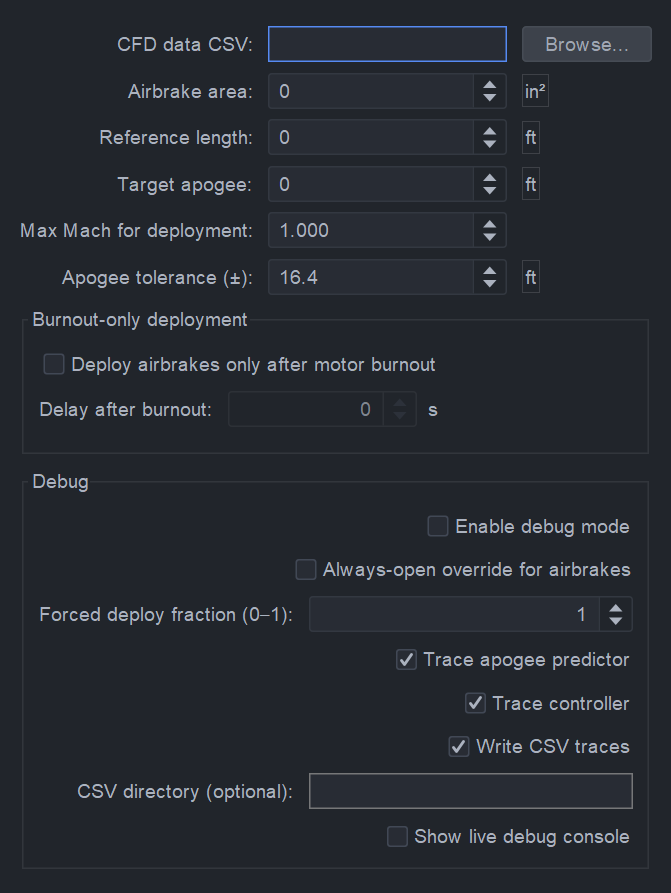
- Developed Logic in Java code to interoplate drag based on a .csv file of extension level, mach number, and drag for any given velocity
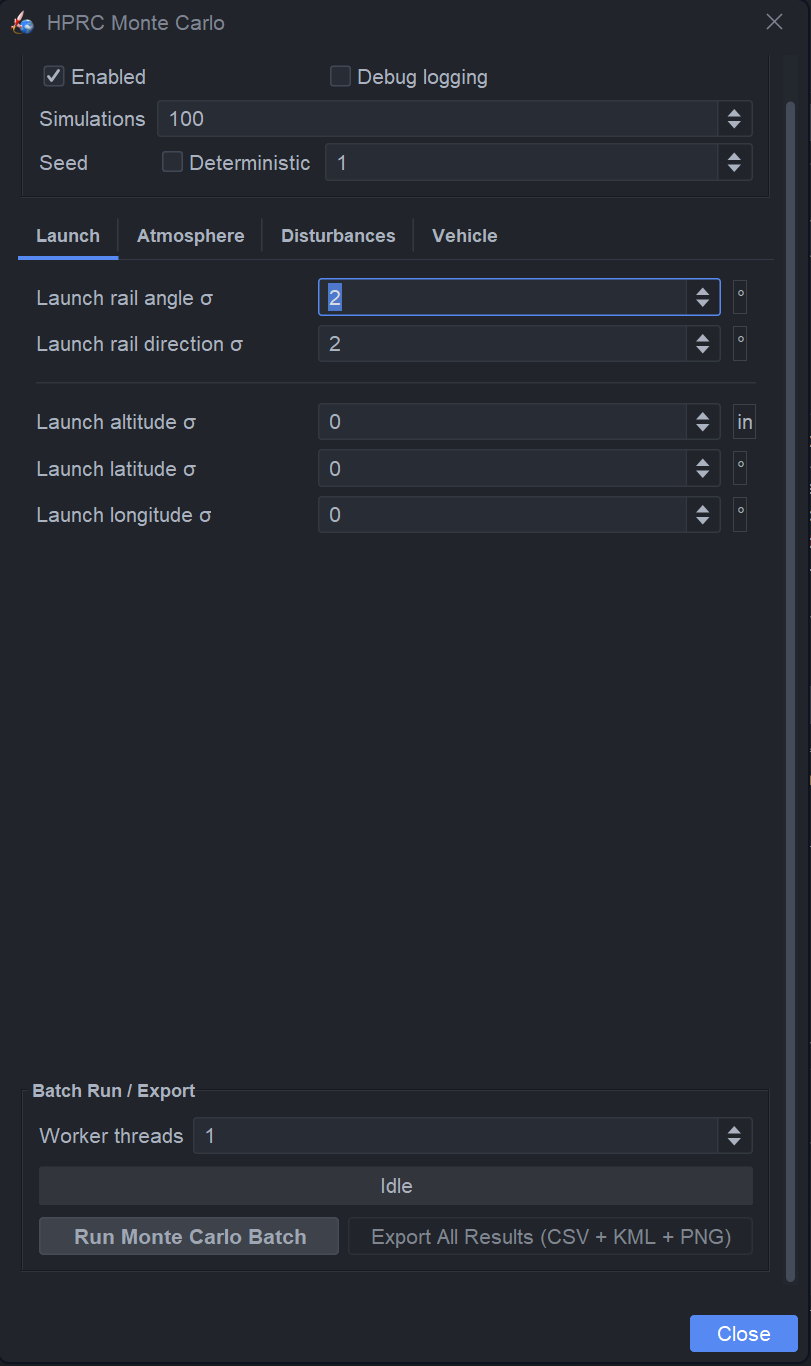
- Implemented a bang bang control scheme within a code base to simulate active control withina simulation loop
- Replicated and refined a 6DOF Runge-Kutta-4 apogee prediction algorithm to ingest values and parameters from the simulation to predict apogee throughout flight.
- Conducted CFD simualtions for the quantification of altitude reduction the air brakes unit can afford the launch vehicle.
Reflection Prompt
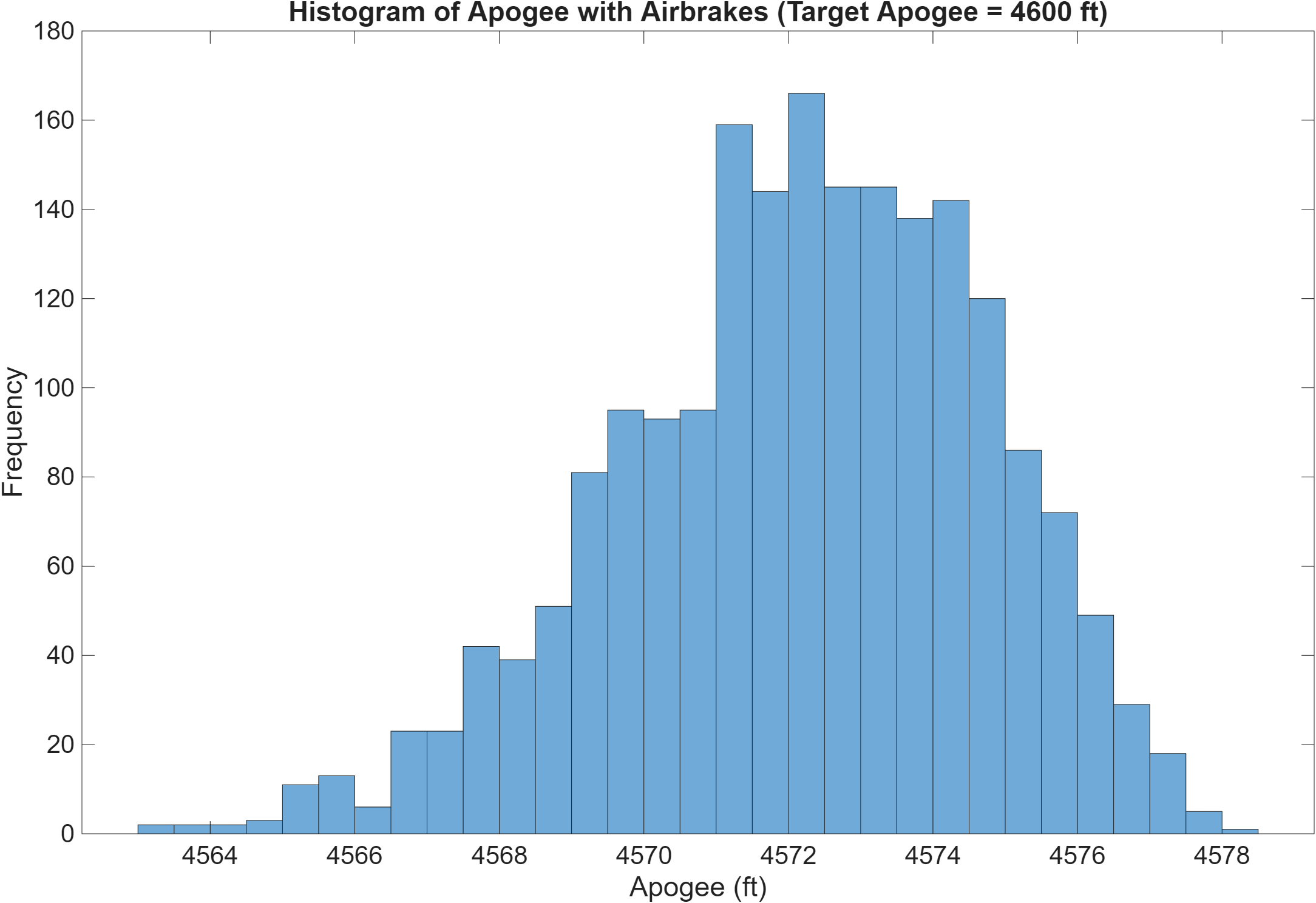
In this Project I learned how to read documentation, garner advice from other people on forums and ask devlopers for input on how to implement code into a software. I was able to ask and corridnate with other members of my team to ask questions about how the system worked and how I could best replicate it in software. Overall this plugin has proven its worth with being able to simulate prior flights within a 1% error.
Technical Highlights
- OpenRocket plugin structure and build tooling
- Integration points for simulation updates per time step or event
- Data driven aerodynamics such as lookup tables where applicable
- Configuration and serialization so designs can be shared and rerun
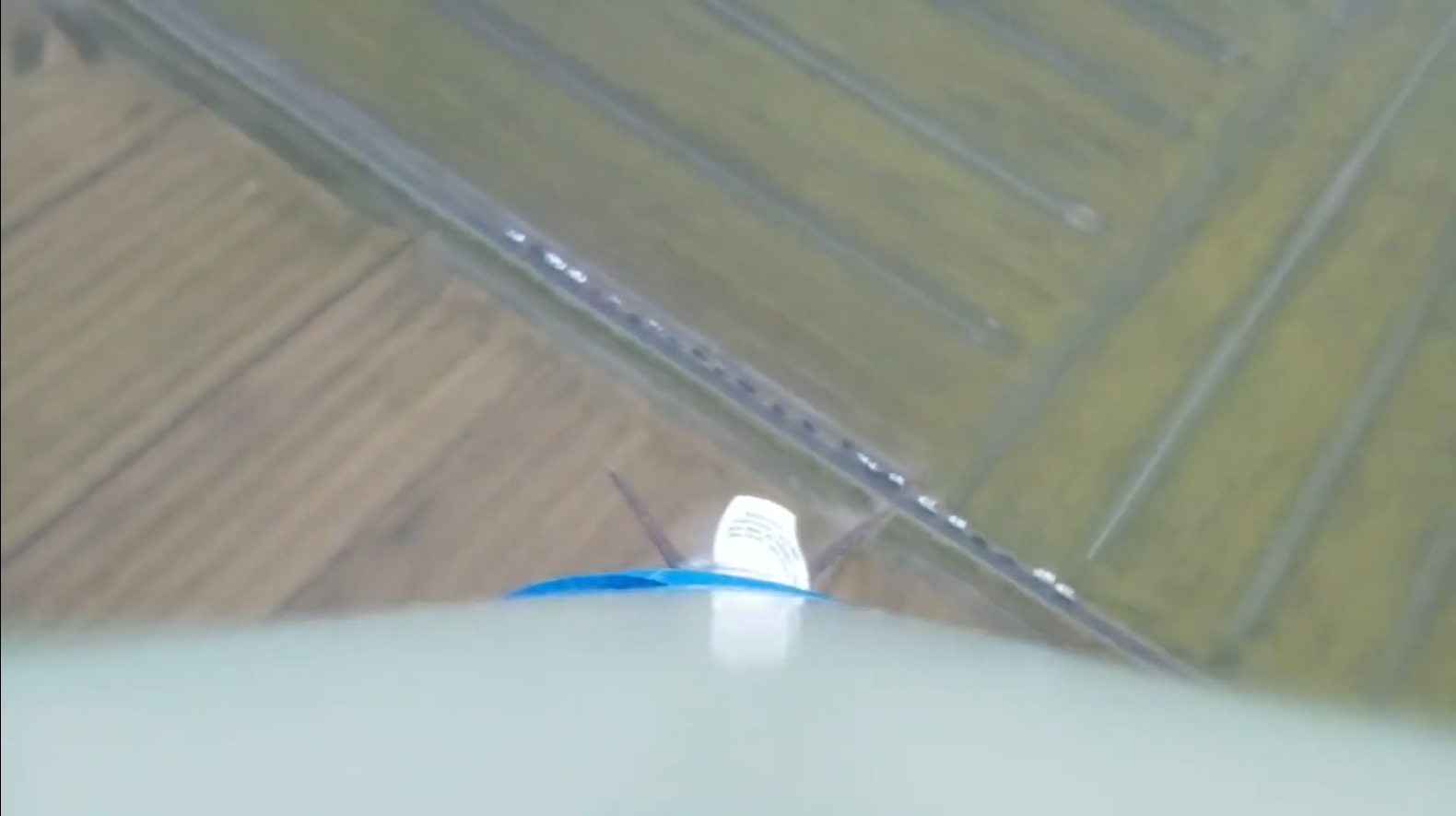
Launch Video
Validation Approach
Responsible validation steps for a plugin like this usually include
- Unit tests for interpolation and table lookup behavior
- Sanity checks versus the no airbrake baseline
- Comparison to simplified analytic drag estimates where possible
- Flight data comparison if instrumentation and logs are available
- Sensitivity checks across step size and solver settings
Airbrakes Slideshow
Links
- Repo at https://github.com/NCSU-High-Powered-Rocketry-Club/OpenRocket-Airbrakes-Plugin
- Project list at /AdityaCha.github.io/projects/